
If you’ve ever tried to track podcast performance across multiple platforms, you know the struggle.
One hosting dashboard gives you downloads, another gives you unique listeners, and then you’re still hunting for audience insights buried somewhere else. Before you know it, you’re drowning in spreadsheets, screenshots, and scattered reports just to answer a (seemingly) simple question: how is our podcast actually performing?
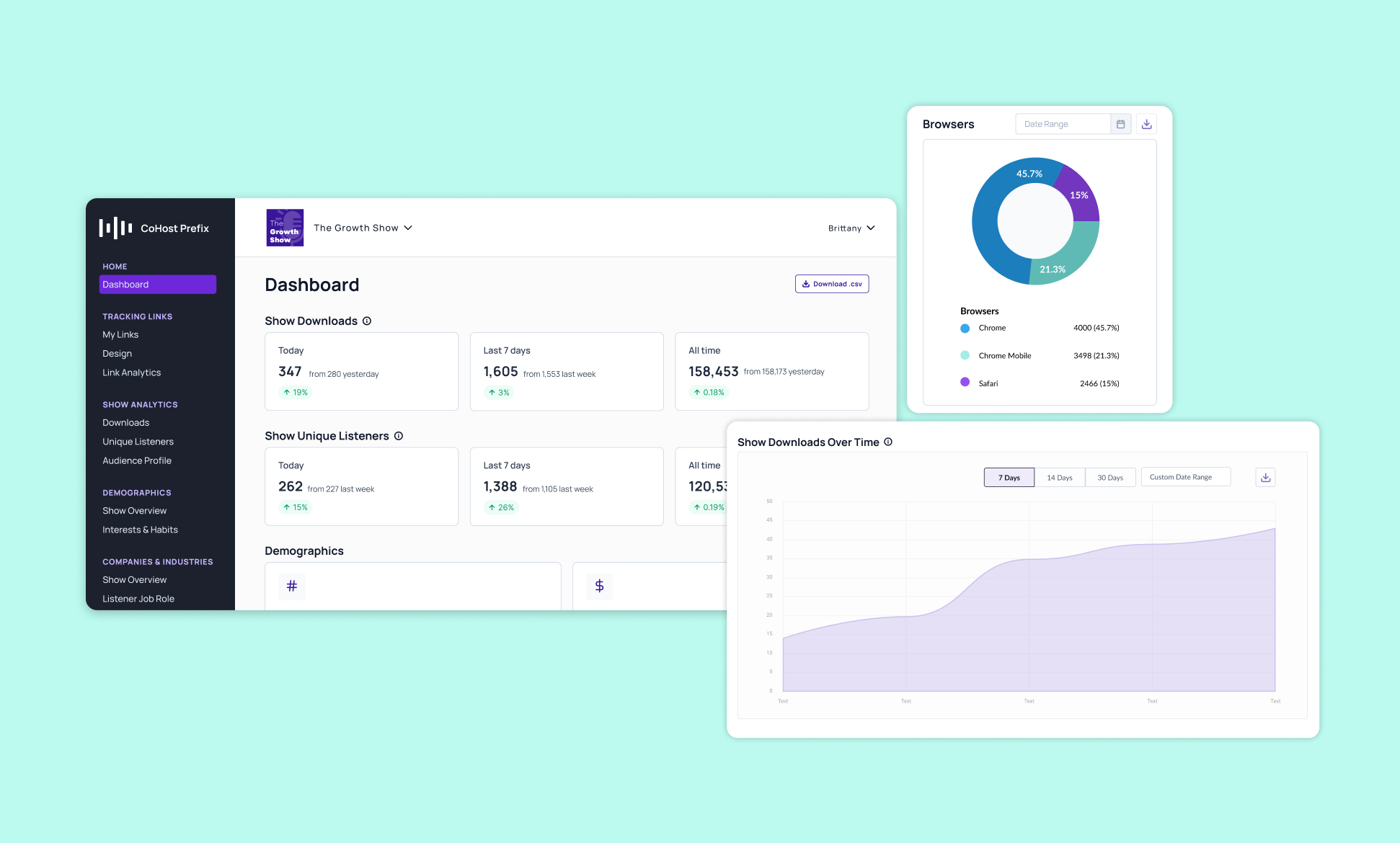
That’s why we’re thrilled to share our latest update to the CoHost Prefix – Show Analytics Manager. It brings the full analytics experience of CoHost hosting into our Analytics Prefix, giving you a single, powerful dashboard to track growth, understand your audience, and share results — no matter where your podcast is hosted.
In this blog, we’re going to dive into what Show Analytics Manager is and how networks, agencies, brands, and creators are using it to understand their podcast performance.
What is Show Analytics Manager?
Show Analytics Manager is a centralized analytics hub designed for agencies, networks, brands, and creators who want in-depth insights and analytics but don’t host on CoHost.
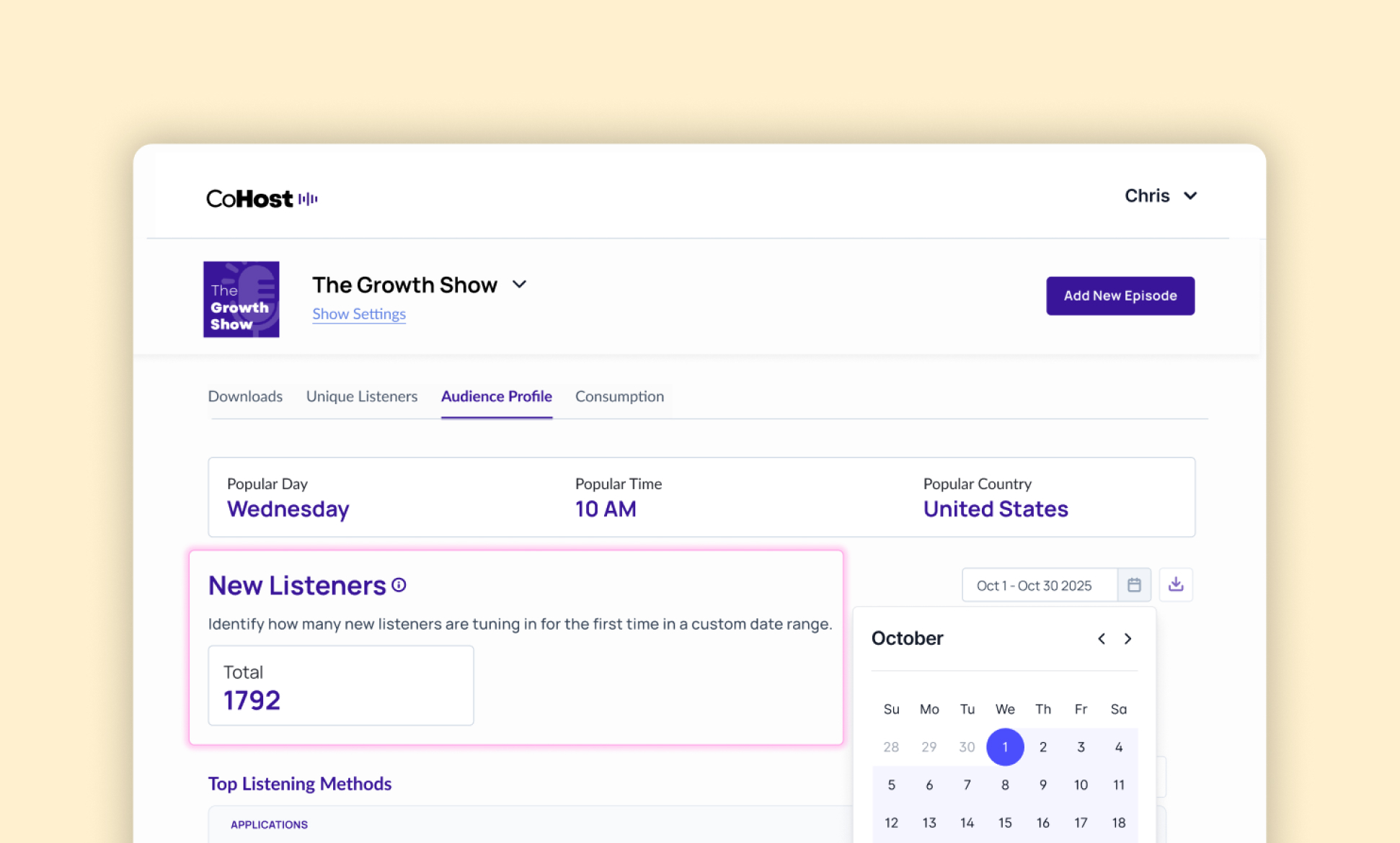
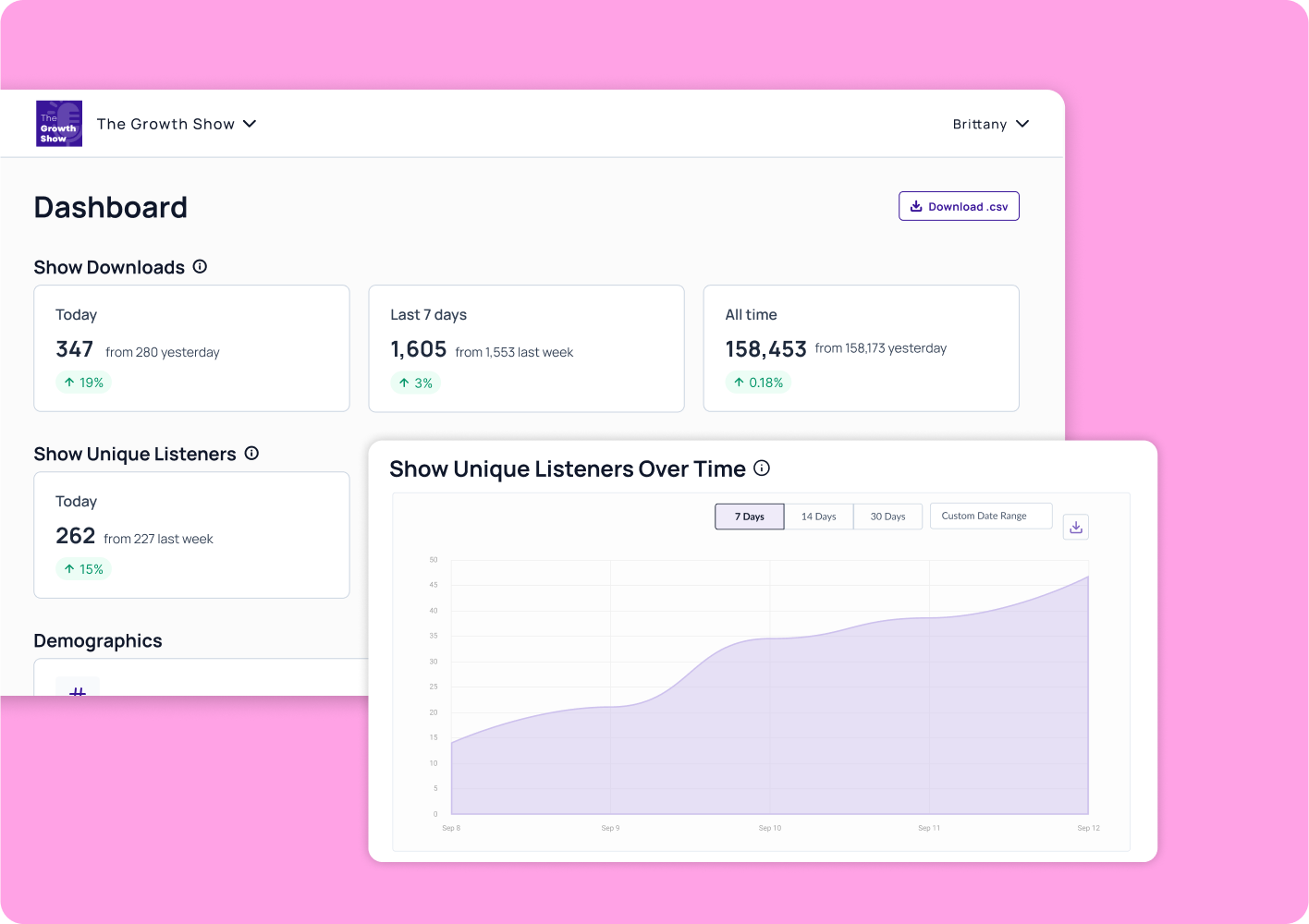
It gives you the same depth of insights that our hosted users enjoy: a streamlined dashboard that highlights the numbers that matter most, plus three core analytics views:
- Downloads: Understand overall performance trends
- Unique Listeners: Measure reach and growth over time
- Audience Profile: Explore who’s tuning in, including demographic, psychographic, and firmographic data
Instead of stitching together reports from different platforms, you can now see your show’s full performance story in one place.
How networks and podcast agencies are using Show Analytics Manager
For networks and agencies managing multiple shows, audience data has always been fragmented. Different hosting providers mean different reporting formats, limited insights, and endless hours spent on manual data pulls.
With Show Analytics Manager, agencies and networks can:
- Standardize reporting across clients and shows: No matter where a show is hosted, data lives in one consolidated dashboard. This makes it easy to compare performance, prepare client/show reports, and identify growth opportunities.
- Strengthen sponsorship and sales efforts: With B2B Analytics and Advanced Audience Demographics, agencies and networks can show potential sponsors not just how many people are listening, but who they are, where they live, where they work, and how they use social media.
- Scale operations more efficiently: Instead of spending hours reconciling data, teams can focus on building strategies, closing sponsorships, and supporting client success.
Example use case: Agencies
An agency managing 12 branded shows across three different hosts can now pull clean, unified reports for all their clients, highlight industry-specific audiences to sponsors, and benchmark growth across the entire portfolio — all in one place.
Example use case: Networks
A network managing 25 shows across multiple hosts can now track performance in one dashboard, benchmark growth across their portfolio, and package firmographic and demographic insights to secure bigger sponsorship deals.
How brands and creators are using Show Analytics Manager
Brands and creators don’t always control where their show is hosted, leaving marketing teams without access to deeper insights. But that doesn’t mean you should be flying blind.
With Show Analytics Manager, brands and creators can:
- Understand ROI with confidence: Go beyond download counts to see who’s listening and how the podcast is contributing to your unique goals – whether that’s brand awareness, lead generation, or target audience engagement.
- Report up to leadership with clarity: Access clean, presentation-ready data that makes it easy to show how the podcast supports business objectives.
- Understand their audience: With demographics and firmographics, creators can see if they’re reaching the right listeners and adjust content and marketing strategies accordingly.
Example use case: Brands
A Fortune 500 brand running a branded podcast can finally share with leadership that their show isn’t just hitting 10,000 downloads — it’s reaching decision-makers in industries that align with their sales pipeline and engaging their target ICPs.
Example use case: Creators
An independent creator uses Show Analytics Manager to prove audience value to potential sponsors by sharing detailed listener profiles. Plus, they receive in-depth audience insights to fine-tune content to listener preferences.
Streamline your podcast tracking
At the end of the day, podcasting should be about telling great stories and connecting with audiences — not spending hours pulling numbers from a half-dozen tools.
With CoHost Prefix: Show Analytics Manager, you’ll finally have:
- One dashboard for all your podcast data
- The same powerful analytics experience as CoHost hosting customers
- Deeper insights into your audience and show growth
- The ability to make smarter, faster decisions about your podcast strategy
That’s right – no switching hosts or messy workarounds.
If you’re ready to see your audience and show insights in a whole new light, try out CoHost’s Prefix for yourself with our 7-day free trial, or if you want to learn more, book a demo with our team.
.webp)